PickMyTrade vs ClearEdge for Prop Firm Multi-Account Trading
How PickMyTrade and ClearEdge handle prop firm accounts: supported firms, copying one signal to many accounts, broker API limits and what each costs.


PickMyTrade and ClearEdge both route TradingView alerts into prop firm accounts, and both can put one signal into several accounts at once. PickMyTrade does it from the cloud on one $50 plan with unlimited connected accounts. ClearEdge does it from software running on your own computer or a VPS, priced by how many automation agents you run. For a prop firm trader the questions that decide it are which firms each one reaches, how a signal gets to many accounts, and what happens to broker request limits when it does.
Key Takeaways
- PickMyTrade includes unlimited connected accounts and a trade copier on its single $50 monthly plan.
- ClearEdge reaches prop firms through ProjectX, Tradovate and NinjaTrader, and prices its plans by automation agents: 2, 8 or 16.
- ClearEdge's ECHO sends one manual signal to any or all connected accounts, and its Broadcast signals let you set your own maximum daily loss and position size.
- Tradovate limits how fast a single user can call its API, so copying one signal into many accounts under one login draws on one shared budget.
- Whichever you choose, check each firm's current rules on automation, VPS use and news trading, and paper trade first.
Which Prop Firms Each One Reaches
PickMyTrade lists supported prop firms including Apex Trader Funding, Topstep, Take Profit Trader, FundedNext, E8 Markets, Tradeify, Bulenox, Blue Guardian Futures, Top One Futures and TradeDay, across broker connections to Tradovate, Rithmic, Interactive Brokers, TradeStation, TradeLocker, ProjectX, Matchtrader and Tradier.
ClearEdge supports prop firms that run on ProjectX, Tradovate or NinjaTrader. Its help center lists ProjectX firms such as TopstepX, The Futures Desk, Tick Tick Trader, Bulenox, Top One Futures, Alpha Futures, Blue Guardian Futures, Tradeday, E8 Futures and Lucid Trading, plus any firm that uses Tradovate or NinjaTrader on the web.
If your firm is on both lists, either will connect. If it runs on Rithmic, Interactive Brokers or TradeStation, PickMyTrade lists it and ClearEdge's help center does not today.
Sending One Signal to Many Accounts
PickMyTrade's plan includes unlimited connected accounts, and it copies trades to as many broker and prop firm accounts as you connect. The price does not change with the number of accounts.
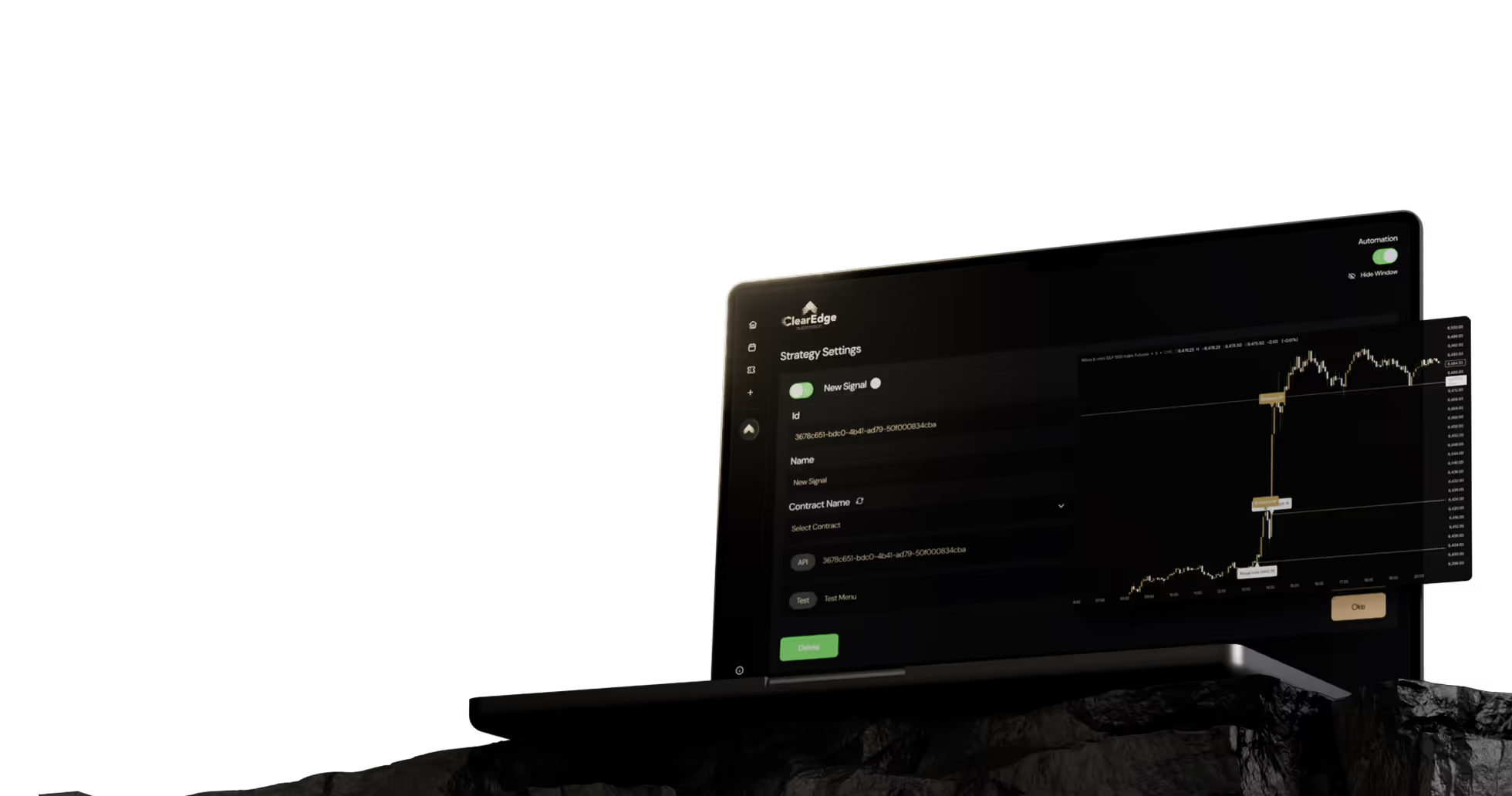
ClearEdge signs in to each trading platform with your own credentials, and every connected account opens in its own window inside the software. How many can run automated strategies at once depends on your plan's automation agents. For placing the same trade across accounts by hand, ECHO fires one signal into any or all of your connected broker and prop firm accounts at the same time. For following another trader's signals, Broadcast lets you set your own sizing rules and risk limits, such as maximum daily loss and maximum position size.
Broker Request Limits When You Copy
Brokers cap how fast one user can send requests to their API. PickMyTrade's own guide to Tradovate puts the ceilings at about 80 requests over a rolling 60 seconds and 5,000 over a rolling 60 minutes, and every order placed, changed or cancelled counts. Past them, Tradovate returns a time penalty before it takes more.
Multi-account copying is where this matters. One alert copied into eight accounts under the same login is eight orders against one budget, and a strategy that also moves stops or cancels orders adds more. PickMyTrade's guidance is to pace outbound requests and queue anything above a safe rate, which keeps a burst from turning into a lockout. The cost of pacing is that in a burst, some accounts get their order a little later than others.
If you plan to copy across many accounts, ask any vendor you consider how it counts requests against your broker's limit and what it does during a burst.
Firm Rules Are Still Yours to Follow
No automation platform takes responsibility for a prop firm's rules. Daily loss limits, trailing drawdown, consistency rules, news restrictions and whether automation or a VPS is allowed at all vary by firm and change over time. ClearEdge's help center recommends setting account-level limits such as a maximum daily drawdown at the broker as well. Check PickMyTrade's documentation for the risk controls it offers, confirm your firm's current rules in writing, and run the setup on a paper or evaluation account before it touches a funded one.
What It Costs a Multi-Account Trader
| PickMyTrade | ClearEdge | |
|---|---|---|
| Plan price | $50 a month or $500 a year | $69, $99 or $149 a month |
| What changes the price | Nothing, accounts are unlimited | Automation agents: 2, 8 or 16 |
| Where it runs | PickMyTrade's cloud | Your computer, or a VPS priced separately |
| Free trial | 5 days, no credit card | See the plans page |
Both work from TradingView webhook alerts, which need a TradingView plan that includes webhooks, and prop firm evaluation and reset fees sit on top of either. Current ClearEdge prices are on the plans page.
Which One Fits
PickMyTrade fits traders who copy one signal across many accounts at many firms, want one price however many accounts they add, and want nothing to install.
ClearEdge fits traders whose firms run on ProjectX, Tradovate or NinjaTrader, who want execution running on a machine they control, usually a dedicated VPS, and who want tools like ECHO and Broadcast for working across accounts. It places market orders only, so check that suits your strategy.
For the pricing side in more depth, see PickMyTrade pricing vs ClearEdge.
Frequently Asked Questions
1. Does PickMyTrade charge more for more prop firm accounts?
No. Its single plan includes unlimited connected accounts at $50 a month or $500 a year, according to its pricing page on September 11, 2026.
2. Can ClearEdge trade several prop firm accounts at once?
Yes. Each account opens in its own window in the software, the number of automated strategies running at once follows your plan's automation agents, and ECHO can send one manual signal to any or all connected accounts.
3. Why do broker API limits matter for copy trading?
Because the limit applies per user. Copying one alert into many accounts under one login multiplies the requests against a single budget, and platforms that trade through the API pace orders to stay under it.
4. Is automation allowed at my prop firm?
It depends on the firm and the account stage, and rules change. Confirm the current rules on automation, VPS use and news trading with the firm before you connect any platform.
Sources
- PickMyTrade. "Pricing." pickmytrade.trade/pricing, checked September 11, 2026.
- PickMyTrade. "Tradovate API Rate Limits and 429 Errors." pickmytrade.trade/how-to/tradovate-api-rate-limits.
- ClearEdge Automation Help Center. Supported prop firms, ECHO and Broadcast. help.clearedge.trading.
- ClearEdge Automation. Plans. clearedge.trading/plans.
Correction, September 2026: an earlier version of this article said PickMyTrade's pricing scales with the number of copied accounts, and made claims about both platforms' features that we could not source. It has been rewritten against each company's current published information.
Disclaimer: This article is for educational purposes only. It is not trading advice. ClearEdge Trading executes trades based on your rules; it does not provide signals or recommendations.
Risk Warning: Futures trading involves substantial risk. You could lose more than your initial investment. Past performance does not guarantee future results. Only trade with capital you can afford to lose.
CFTC RULE 4.41: Hypothetical results have limitations and do not represent actual trading.














































Steal the PlaybooksOther TradersDon’t Share
Every week, we break down real strategies from traders with 100+ years of combined experience, so you can skip the line and trade without emotion.